TL;DR

There's no universal answer to renting or buying a photocopier. Rental keeps upfront costs low, includes maintenance, and allows upgrades at the end of the term. Buying puts ownership on your balance sheet, gives you a SARS wear-and-tear deduction, and costs less over a longer horizon. The right choice depends on your cash flow and print volumes, as well as how quickly your technology needs to stay current. Konica Minolta SA offers both rental and purchase options across a wide range of office printing systems, supported by technical expertise, security-focused multifunction devices and a national service footprint.


Most businesses know what an MFP, MFD, printer or photocopier costs upfront. Fewer know what it costs over 36 to 60 months once you add maintenance and consumables, not to mention the occasional emergency repair. This difference is exactly where the rental versus purchase decision gets interesting.
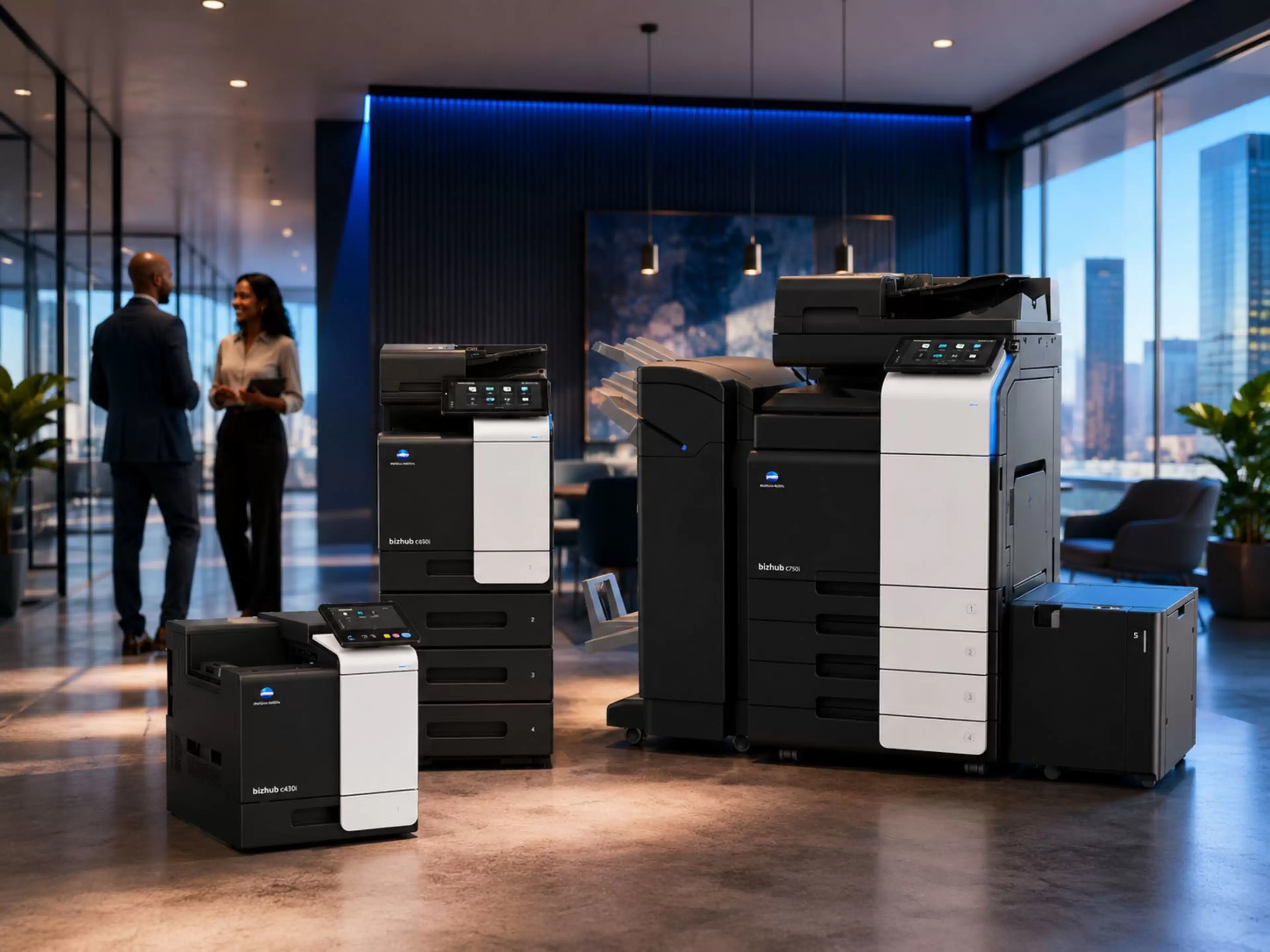
South African offices have real constraints: capital is expensive, print volumes shift and technology doesn't stand still. Our bizhub office range covers both rental and purchase configurations, so it’s necessary to understand which model fits your situation before you commit.

This is why the decision should not only be based on the monthly rental fee or once-off purchase price. Businesses should also consider service support, maintenance, downtime, device security, productivity and whether the chosen device can support the way teams work today. Konica Minolta South Africa’s office printing systems and bizhub i-Series devices are designed to support these needs through secure, productive and flexible multifunctional print technology.

This article walks through both options without favouring either. By the end, you'll know which questions to ask before you make your choice.

What Does MFP, MFD, Printer or Photocopier Rental in South Africa Include?

Direct Answer:

A rental agreement in South Africa typically covers device delivery and installation, routine maintenance, repairs, and often consumable management, all within a fixed monthly fee. Rental terms usually run from 12 to 60 months, with 36-month and 60-month agreements being the most popular among SA businesses.

With Konica Minolta South Africa, the rental conversation can also include device suitability, service support, maintenance expectations, security requirements and whether the device needs to support a single office, multiple branches or a hybrid workforce. This helps the business choose a print solution that fits both current usage and future growth.

The practical appeal of rental is predictability. You know what printing costs each month, and unexpected repair bills don't hit your budget. According to a comparative analysis of rental versus ownership costs, many lease agreements include service agreements covering routine maintenance and repairs, which reduces the risk of unplanned downtime and makes budgeting more straightforward.

Most providers also include end-of-term upgrade rights, meaning you can switch to a newer device without disposing of the old one yourself. Quocirca's 2025 Print Industry Trends report notes the standard 36-to-60-month technology refresh cycle is under pressure, with 73% of organisations planning to refresh print infrastructure alongside their PC fleet. Rental aligns naturally with this cycle.

The trade-off is total outlay. Over a five-year period, cumulative rental payments may exceed a one-time purchase price, especially if the agreement includes escalation clauses. In South Africa specifically, inflation and rand depreciation mean that a fixed-rate rental locked in today can become relatively cheaper over time, while a 0% escalation deal can leave you with a jump in costs when the agreement renews.

The Case for Buying an MFP, MFD, Printer or Photocopier Outright

Ownership gives you an asset on your balance sheet. You can modify, redeploy, or dispose of the device without asking a provider's permission. A May 2026 guide to the buy-versus-lease decision notes that buying is typically treated as capital expenditure (CapEx) and depreciated over time, while rental is an operating expense (OpEx) deductible in the period it's incurred.

In South Africa, the tax treatment of a purchased device is governed by SARS Binding General Ruling 7. Under Section 11(e) of the Income Tax Act, SARS classifies office equipment and multifunction devices with a five-year wear-and-tear write-off period. This means you can deduct a portion of the device's cost from your taxable income each year for five years, using either the straight-line or diminishing-value method.

Ownership also suits businesses with stable, predictable print volumes. If your print environment doesn't change much and you have a capable IT team or service contract in place, the long-term cost of owning is typically lower than renting the same device over the same period. Our managed print services sit alongside owned hardware, so you're not choosing between ownership and service support.

How to Think About Total Cost of Ownership

Direct Answer: Total cost of ownership (TCO) for an MFP, MFD, Printer or Photocopier covers the purchase or rental fee, toner, paper, maintenance, IT time, energy and eventual disposal or end-of-term costs. For an owned device, ongoing maintenance and repair costs are the main variable. For a rental, the cumulative monthly payments plus any per-page charges determine the real outlay. TCO is the right lens for comparing both options.

The most common mistake in this decision is comparing a purchase price against a monthly rental rate without accounting for what each includes. A January 2026 TCO analysis puts it clearly: depending on lease terms and usage, leasing can be cheaper short-term but more expensive over multiple years. The asset depreciation angle also matters: buying lets you claim depreciation and capital allowances over time, while rental payments are immediately deductible as a business expense.

For SA businesses navigating tighter margins, converting a capital purchase into a predictable monthly operating cost has real cash flow benefits. Sage's guide to asset depreciation in South Africa explains that SARS provides approved write-off schedules for different asset classes. Speak to your accountant about which treatment matches your year-end position.

Remote monitoring can also affect TCO for either model. Our remote services and support capability resolves the majority of common device issues without a field engineer visit, reducing downtime regardless of whether you own or rent your devices.

Technology Changes: Where Rental Has a Structural Advantage

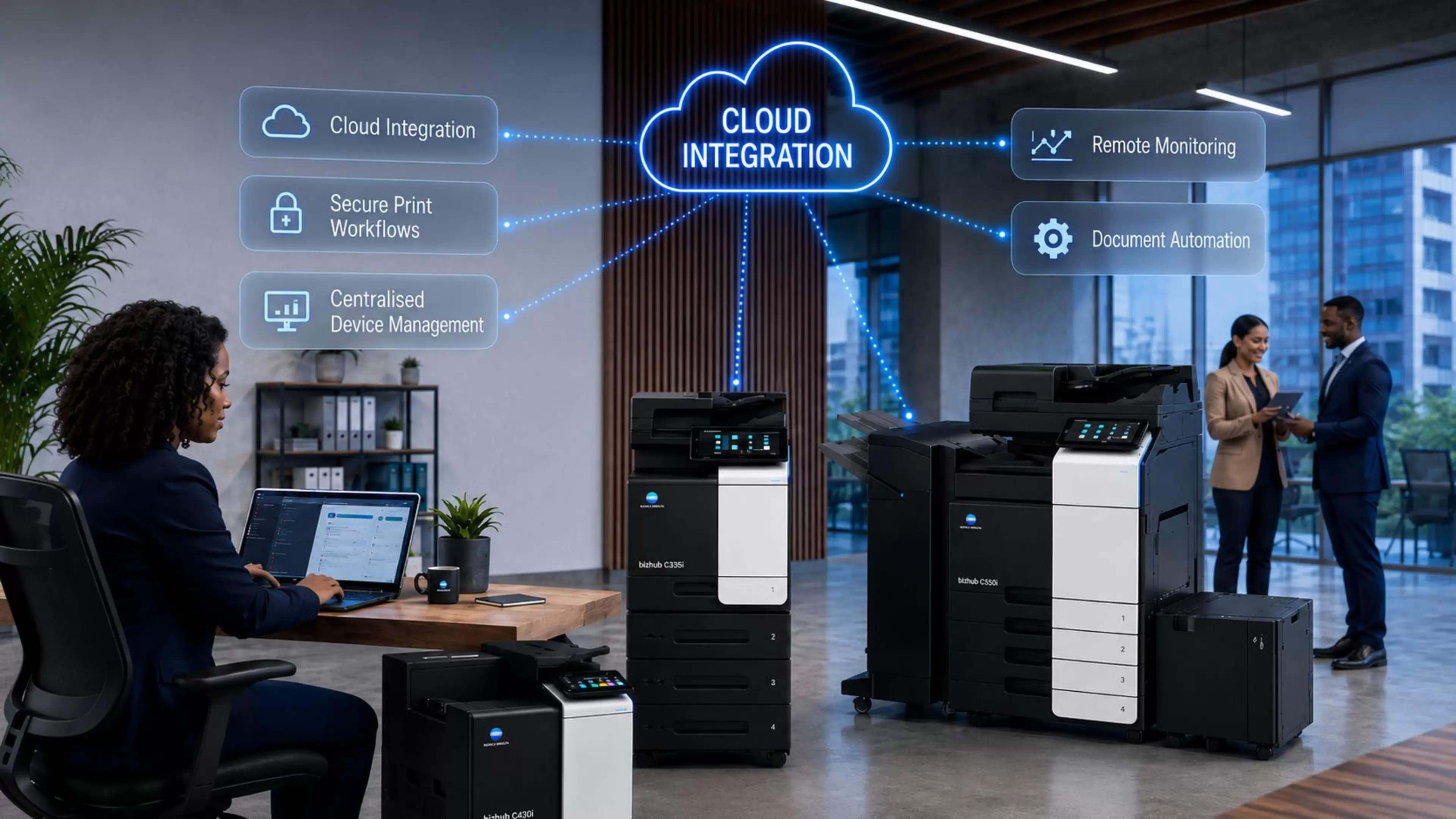
Print technology is not standing still. AI-driven document workflows, advanced security protocols, and cloud integration  are now standard features on newer devices. A device bought in 2021 may no longer connect cleanly to the systems your business uses today.

This is especially important for businesses that need multifunctional devices to support secure document handling, user access control, cloud-enabled workflows and productivity across teams. Konica Minolta South Africa’s bizhub i-Series positioning is built around security, simplicity and productivity, which makes technology fit an important part of the rental versus purchase decision.

Rental addresses this directly. End-of-term upgrades are built into the agreement. A business renting a bizhub today can move to a next-generation bizhub i-Series device when the term ends, without capital outlay or disposal headaches.

Gartner’s 2026 reporting still points to AI PCs as part of a broader workplace technology shift, but also notes that higher memory costs are expected to slow PC shipments and delay wider AI PC market penetration. For businesses, the practical takeaway is that workplace technology is still evolving, making it important to consider whether print infrastructure can keep pace with newer devices, cloud-enabled workflows and security requirements. Rental models can support this by giving businesses a clearer upgrade path at the end of the agreement.

For businesses planning to own, factoring in the cost of the next device at the time of the first purchase is the honest way to compare. Ownership maximises value when the device is used for most or all of its write-off life, and when replacement can be planned and budgeted in advance.

Which Option Fits Which SA Business?

Direct Answer: Rental suits businesses that prioritise cash flow, need upgrade flexibility, have variable print volumes, or lack dedicated IT support for device management. Buying suits businesses with stable print volumes, available capital, a long-term view, and an interest in the tax benefits of ownership. Most SA businesses will find one of these profiles fits clearly.

A growing business with unpredictable volumes is better served by a rental. The cost structure adjusts with the business. A well-established business with a consistent fleet and a clear IT management approach will typically get more value from ownership over a 36-to-60-month horizon, provided its finances are stable.

Hybrid situations exist too. A business might own high-volume production devices and rent smaller desktop units for branch offices or rent during a growth phase and buy once volumes stabilise.

Our print infrastructure management solutions are designed to accommodate mixed environments.

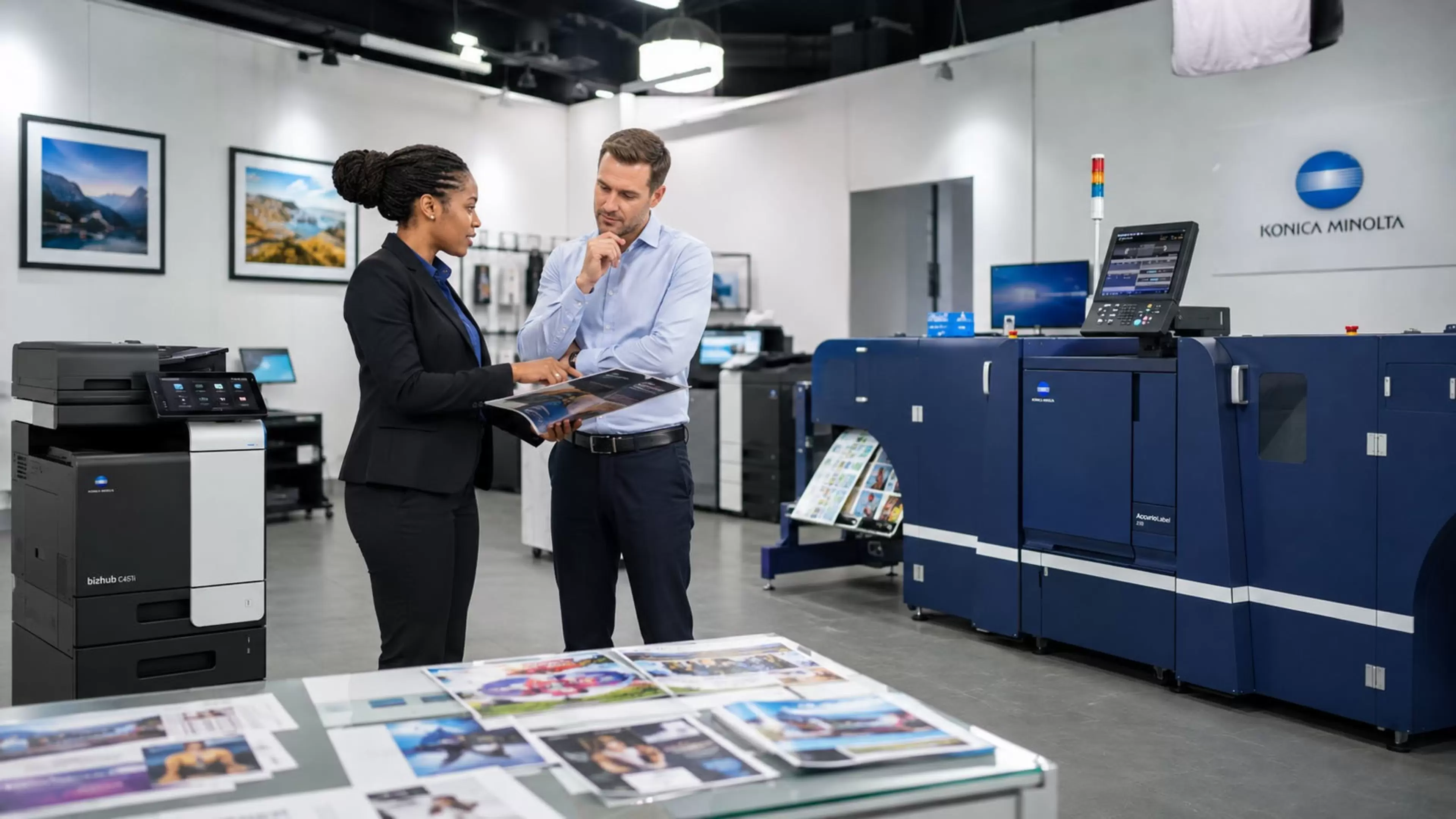
A consultative approach is valuable here. The best route is not always a straight rental or purchase decision. Some businesses may need a mixed environment, supported by owned devices in stable locations and rental devices where flexibility, growth or branch expansion is still being tested. Konica Minolta South Africa can help assess print volume, device requirements, support needs and budget structure before recommending the most suitable route.

here is also a practical size consideration. A comparison of cost structures across rental terms and device categories notes that when you purchase a copier, you can often write off the entire purchase cost in the year of purchase (where SARS rules permit) or depreciate it across the asset's useful life. Rental payments, on the other hand, are deductible as a business expense in each period, regardless of ownership.

Print Technology in Practice


The value of choosing the right print solution is often seen in how well the device supports business continuity, growth and day-to-day productivity. Konica Minolta’s customer stories, including PostNet and a print shop operating through load-shedding pressures, show how the right print technology can support changing print volumes, uptime requirements and business continuity. Customer feedback also reinforces the importance of after-sales service, training, expert advice, quick turnaround times, print quality and media flexibility when selecting a print partner.

This is why the rental versus purchase decision should not only be based on cost. It should also consider the level of support, technology fit and service reliability the business will need throughout the agreement or ownership period.

Rental or Purchase: The Right Fit Depends on Your Business

Neither option is universally better. Rental gives you cost certainty and upgrade flexibility with a lower entry point. Buying gives you ownership, a tax deduction, and a lower total outlay over a long horizon if you manage the device well.

The Konica Minolta South Africa range supports both options across its office printing systems and multifunctional device range. Our bizhub devices are available for outright purchase across the full office range, while rental and lease options can be discussed with our team. If you want to compare which structure makes financial sense for your specific situation, speak to us about a no-obligation assessment.

Share: